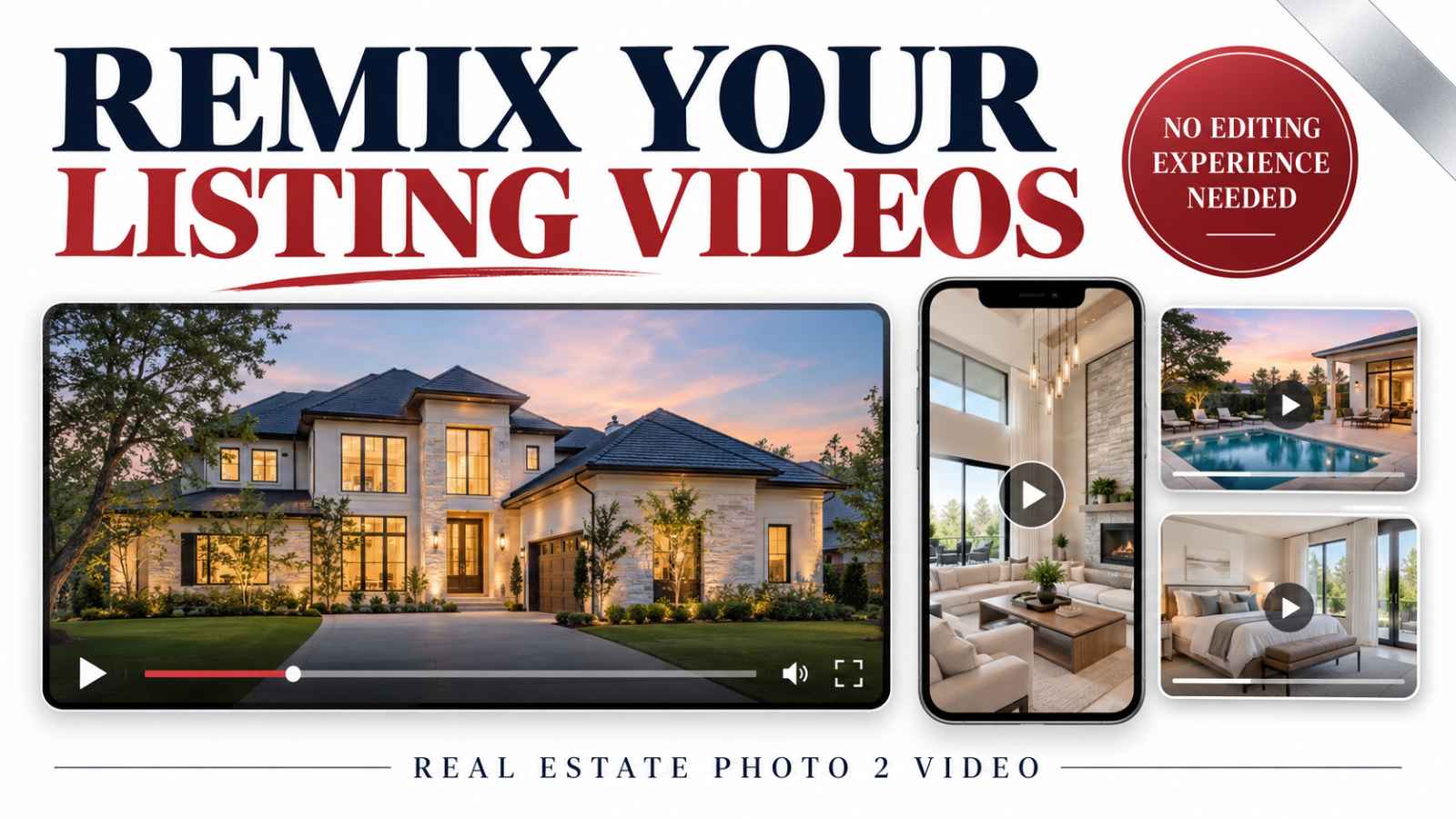
Your listing video does not have to be a one-post asset.
A finished property video, a branded version, a Montage Reel, or a Story video can become material for another presentation. You can also combine videos from several properties into one useful local roundup.
The key is to give the new video a clear purpose. Instead of simply posting the same listing again, help viewers compare homes, notice a feature, or discover something relevant to their search.
With Real Estate Photo 2 Video’s Video Remix tool, you can combine existing video outputs without building the edit yourself in traditional video editing software.
Here is how to turn that ability into a practical real estate video marketing strategy.
Why Video Can Reach People Who Do Not Follow You
Your existing followers are only one potential audience for your property content.
Facebook and Instagram use recommendation systems to help people discover content from accounts they do not already follow. Reels can therefore introduce your videos to viewers who have never visited your profile.
Meta explains this process in its overview of recommendations from accounts people are not connected to.
Think of video as another opportunity for discovery. A property photo can appear in someone's feed, while a Reel can also participate in video recommendation experiences.
That does not mean every video receives wider distribution. Photos can be recommended too, and uploading a video does not automatically unlock a new audience. Public visibility, recommendation eligibility, viewer interest, and the content itself all matter.
For agents, the practical opportunity is straightforward: make videos that someone unfamiliar with your business can understand and find useful.
“Here is my latest listing” speaks mainly to people who already know you.
“Three homes with outdoor entertaining space in this area” gives a new viewer a reason to watch.
What Is a Real Estate Video Remix?
A video remix is a new presentation assembled from video material you already have.
Your starting material might include:
- A complete listing video.
- A branded property video.
- A Montage Reel.
- A video created with Story Creator.
- Videos from several different properties.
The Video Remix tool lets you combine those outputs into a different video without needing traditional video editing experience.
It is useful to distinguish the starting point from the finished result:
- Listing photos can become moving property clips through the Listing Video service.
- Existing video outputs can become a new combined presentation through Video Remix.
- Three video files can also be arranged into a vertical, three-panel composition with Montage Reel.
If you are starting with still images, create a real estate video from your photos. If you already have finished videos, consider what new story those assets could tell together.
You can browse listing video examples to see possible starting material.
Start With a Purpose Before Selecting Videos
The most useful remix begins with one sentence explaining why someone should watch it.
Examples include:
- “Compare three homes with dedicated office space.”
- “See the outdoor living features of this listing.”
- “Explore this week's available homes in one short video.”
- “Get a quick look at the kitchen, living room, and backyard.”
- “Compare three different property styles in the same area.”
That sentence becomes your selection rule.
If a video does not support the idea, leave it out. You do not need to include every output simply because it is available.
A clear purpose also helps you write the opening caption and closing invitation. The viewer should understand what they are watching before needing to read a long explanation.
1. Give One Property a Fresh Presentation
One listing can support several videos with different purposes.
Your full listing video may introduce the entire home. A separate remix can focus on a smaller collection of features.
For example:
- Outdoor living: views of the patio, backyard, and pool.
- Main living spaces: the living room, kitchen, and dining area.
- Work-from-home potential: an office and relevant surrounding spaces.
- A quick property introduction: a concise selection of the strongest views.
Choose existing video outputs that support the theme, then combine them into a presentation that makes sense from beginning to end.
This gives you something more useful than repeatedly sharing the same full video with a different caption.
The property remains the same, but the viewer gets a different reason to pay attention.
For ideas about selecting useful property views, read our real estate video shot list.
2. Combine Different Video Outputs With Intention
A branded listing video, a Montage Reel, and a Story video may present the same property in different ways.
Combining them can create variety, but variety should help the viewer follow the presentation.
Before selecting outputs, check:
- Do they support the same message?
- Are the property details consistent?
- Will their different layouts work together?
- Does any section repeat information unnecessarily?
- Do they already contain music, text, or closing cards?
Finished outputs may carry their own introductions and endings. Putting several together can create repeated logos, multiple closing messages, or abrupt changes in sound.
Watch the combined preview carefully. If a source video interrupts the flow, choose a different output or make an adjustment using the options available in the tool.
Also check the framing. A horizontal listing video and a vertical Reel have different compositions. Important rooms, addresses, and text should remain readable in the finished presentation.
Our guide to creating a real estate video montage from listing photos explains the difference between a photo-to-video listing presentation and a three-panel Montage Reel.

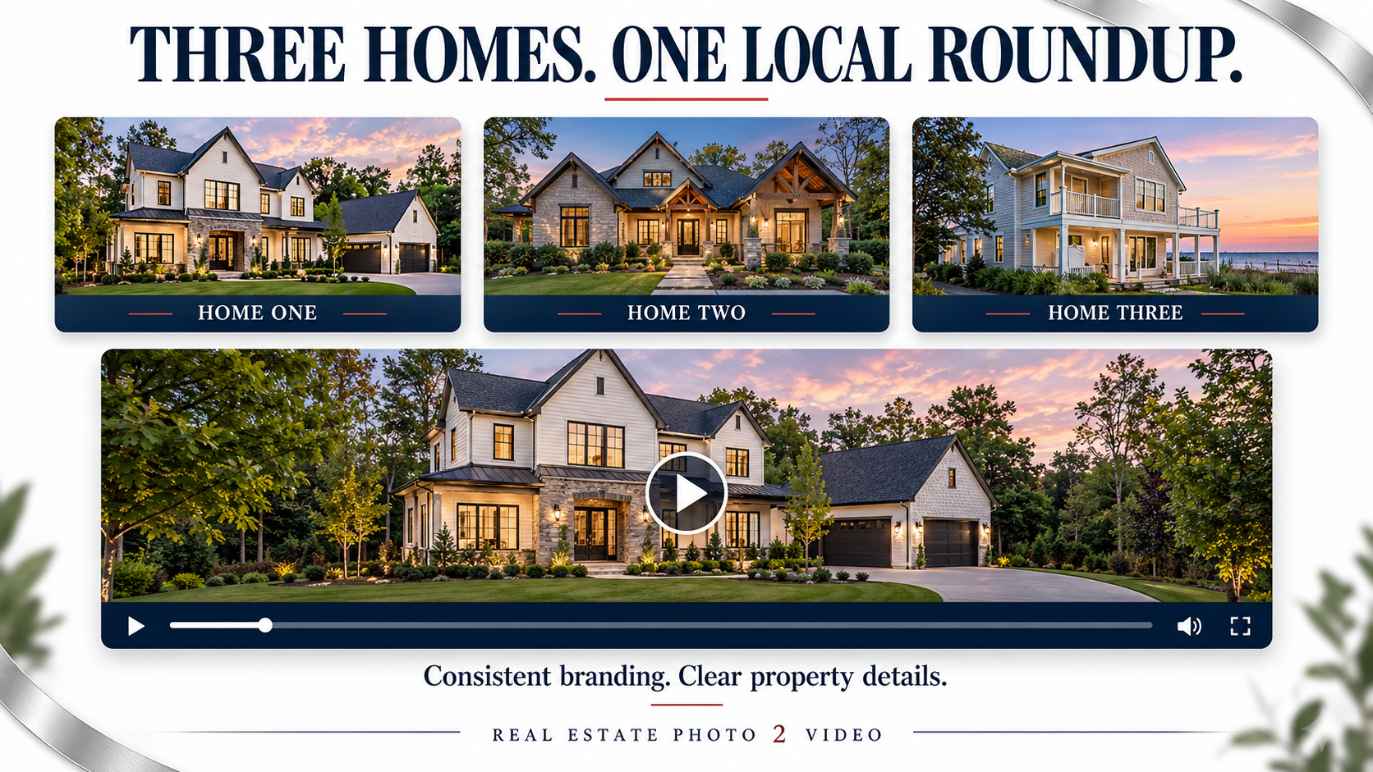
3. Combine Multiple Properties Into One Useful Video
Video Remix also gives you a way to bring several properties together.
The strongest approach is to choose homes with something meaningful in common.
For example:
- Three homes in the same town.
- Available listings within a verified price range.
- Properties with outdoor entertaining space.
- Homes with dedicated offices.
- Upcoming open houses on a particular weekend.
A random collection of homes gives viewers little context. A focused roundup helps them understand why the properties belong together.
Introduce the shared theme, present each home clearly, and finish with one invitation to learn more.
Use current, verified information. If you describe a property as available, announce an open house, or display a price, confirm those details before publishing.
4. Keep the Branding Consistent Across Homes
Branded videos are especially useful for a multi-property presentation when they use the same template.
Your logo, fonts, colors, and general layout can stay consistent while the address and property information change for each home.
That consistency makes the video easier to follow. Viewers learn where to look for the address and details instead of adjusting to an entirely different design each time.
Before combining the videos, check that:
- Each home is clearly identified.
- The branding style matches across the source videos.
- Property facts belong to the correct home.
- Prices and availability are current.
- Contact information is consistent.
Keep the distinction between properties obvious. A viewer should not mistake the kitchen from one home for a feature of another.
Review every property transition, particularly when neighboring homes have similar interiors or exterior styles.
5. Create an Opening for Someone Who Has Never Seen Your Page
A non-follower does not know your business, your inventory, or the context behind the video.
Give that person a clear reason to watch.
Useful opening lines include:
- “Three homes with space to work from home.”
- “Looking for a backyard made for entertaining?”
- “Compare these three kitchens before choosing your next tour.”
- “A quick look at this week's open houses in [town].”
Use only claims that accurately describe the properties shown.
Put useful property content near the beginning. A lengthy logo introduction delays the reason someone chose to watch.
Branding can establish who created the presentation without requiring the viewer to sit through a separate introduction before seeing a home.
6. Give the Finished Remix Its Own Message
Reusing your property media is practical. The goal is to turn it into something useful, rather than produce several nearly identical posts.
Give each remix a distinct theme, selection, or explanation.
Meta’s guidance on original content on Facebook emphasizes original creation and meaningful creative value, while discouraging low-value reuse of other people's content.
For your own listing media, that reinforces a useful creative principle: make the new presentation worth watching on its own.
A comparison video should help someone compare. A feature roundup should make those features clear. A local property series should explain why the homes belong together.
Changing the file or rearranging the order alone does not guarantee additional reach.
7. End With One Clear Next Step
Choose a call to action that matches the video.
For a single-property highlight:
“Message me for the full listing and a showing.”
For a multi-property comparison:
“Which home would you tour first?”
For an open-house roundup:
“Contact me for the confirmed times and property details.”
One clear invitation is easier to act on than several competing requests.
Keep the caption useful too. Identify the location, explain the video's theme, and include the relevant next step.
Measure More Than Views
Views tell you that a video was played. They do not tell you whether it helped your business.
Where your platform's insights provide them, review:
- Reach among non-followers.
- Watch time and retention.
- Shares and saves.
- Profile visits.
- Messages and listing inquiries.
- Showing requests connected to the post.
Compare several posts with similar purposes. One unusually strong or weak result is not enough to establish which format works best.
A smaller audience containing interested local buyers can be more useful than a large audience with little connection to your market.
A Simple Video Remix Plan for Your Next Listing
Start with a manageable sequence:
- Create the main Listing Video from your property photos.
- Prepare the branded version and other useful video outputs.
- Choose one theme for a new presentation.
- Select the existing videos that support it.
- Combine them with Video Remix.
- Review framing, sound, property details, and transitions.
- Publish with a clear opening and one relevant call to action.
- Review the response before choosing the next remix.
When you have several suitable properties, repeat the process with a focused local roundup and consistent branded templates.
You can explore REP2V's tool interfaces before signing in. Creating or exporting content requires the applicable account access, payment, or credits shown in the tool.
Turn Finished Videos Into a Repeatable Marketing Habit
Real estate video marketing becomes easier when each finished asset can support another useful presentation.
Your listing photos can become a Listing Video. Your existing video outputs can become a fresh remix. Several consistently branded property videos can become a local comparison or weekly roundup.
You do not need traditional video editing experience to begin. You need a clear idea, suitable source material, and a careful review of the finished result.
For more ways to build a campaign from your media, read 5 Ways to Get More From Your Listing Photos.
If you are starting with photographs, create a Listing Video. If your videos are ready, explore the marketing tools and give them a new purpose with Video Remix.
One Listing. Endless Content.
Turn listing photos into cinematic videos, branded social clips, flyers, property pages, reports, and more.
Create My Listing VideoTopics