
A listing can have beautiful photos and still launch with a missing video, an outdated caption, or a flyer showing the wrong price. The solution is a repeatable real estate listing marketing checklist: decide what the property needs, assign who will make it, and verify every asset before it goes live.
This guide is for agents, real estate photographers, marketing coordinators, and brokerage managers. It includes practical ways to use AI where it saves time, while keeping the property facts and final decisions in human hands.
1. Build a Verified Property Brief
Before creating an ad or drafting a caption, collect the details everyone will use:
- Approved address, price, property type, room counts, square footage, and other facts permitted in your market.
- The features that deserve emphasis, backed by photos or documentation.
- Listing agent name, brokerage branding, contact details, and the desired call to action.
- Seller preferences, media permissions, and any restrictions on showing the home.
- Launch date, review deadline, and the person who gives final approval.
Keep one approved brief. A photographer, agent, and office manager should not each have to guess which version of the facts is current.

2. Plan the Photo Shoot Around the Marketing
Choose the views needed for the listing page, video, vertical social posts, and any flyer before photo day. Start with a clear exterior and the main living spaces; add distinctive features that a buyer would want to see. Capture both wide room views and useful details, without treating decorative close-ups as substitutes for room coverage.
For video footage, plan an opening, a logical path through the home, and a closing view. If the listing will have a Reel, check whether important features will stay visible in a vertical crop. Use our real estate video shot list to prepare the shoot. If you need a professional to capture the property, browse the free real estate photographer directory.
Once the images arrive, preserve the originals. Make smaller copies for destinations that need them; the Photo Optimizer can prepare downloadable JPEGs. Its resizing and compression are a photo-preparation step, not AI retouching. For the video selection itself, see how to choose listing photos for a real estate video.
3. Make a Small, Complete Asset Set
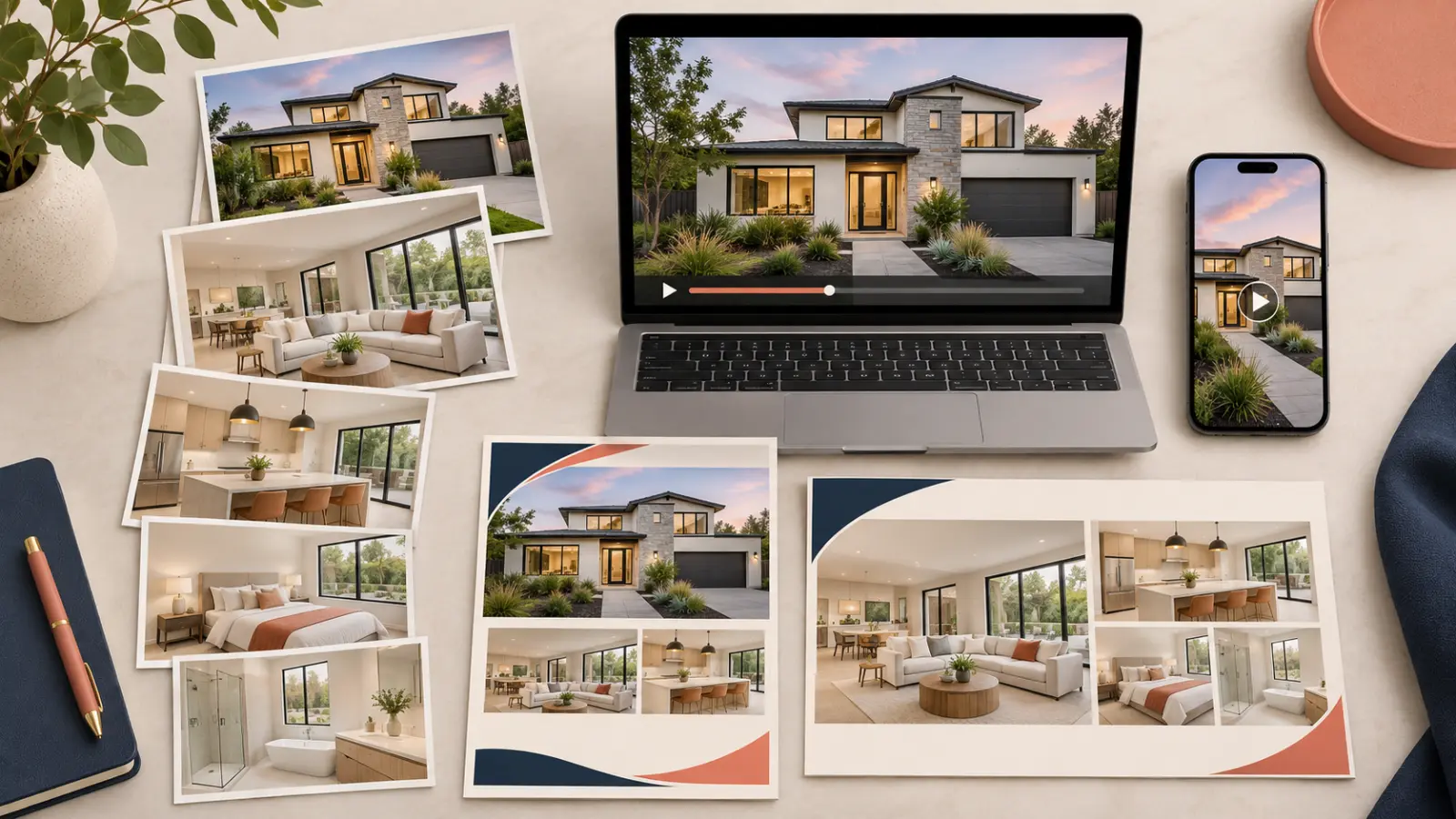
Aim for assets that serve different placements rather than several versions of the same post:
- Listing page: approved photos, accurate property description, and any permitted video or tour link.
- Video: a listing video that shows the property clearly, with the correct branding or unbranded version for its destination.
- Social: a vertical video or Reel plus a few short posts focused on specific features.
- Direct outreach: an email, flyer, or shareable link suitable for agents and interested buyers.
Already have listing photos? They can become a Listing Video without requiring you to film a new walkthrough. You can see listing video examples before deciding which approach fits the property. A photographer can also offer these additional assets after the original shoot, with the proper rights to reuse the images.
4. Use AI for the Repetitive Work, Then Check It
AI can help turn one verified property brief into a first draft of a description, alternate social captions, short video copy, or an email subject line. It can also help organize ideas for different audiences: a buyer-facing feature post, an agent-to-agent update, or a concise brokerage announcement.
For example, give an AI writing tool only approved facts and ask: “Draft three short posts about this listing. Use only these details. Do not invent amenities, dimensions, school information, or claims about the neighborhood.” Then edit the result into your own voice.
REP2V's listing descriptions tool can help with copy, while Video Remix can help create another video from existing media. Explore the available workflows and choose the output that fits the channel and property.
If you use AI imagery or virtual staging, review it carefully. Furniture should not conceal a defect, and generated views should not suggest a feature the property does not have. Check your local listing rules and label altered imagery where required. An agent or authorized reviewer should approve the final media and text.
5. Run a Prelaunch Quality Check
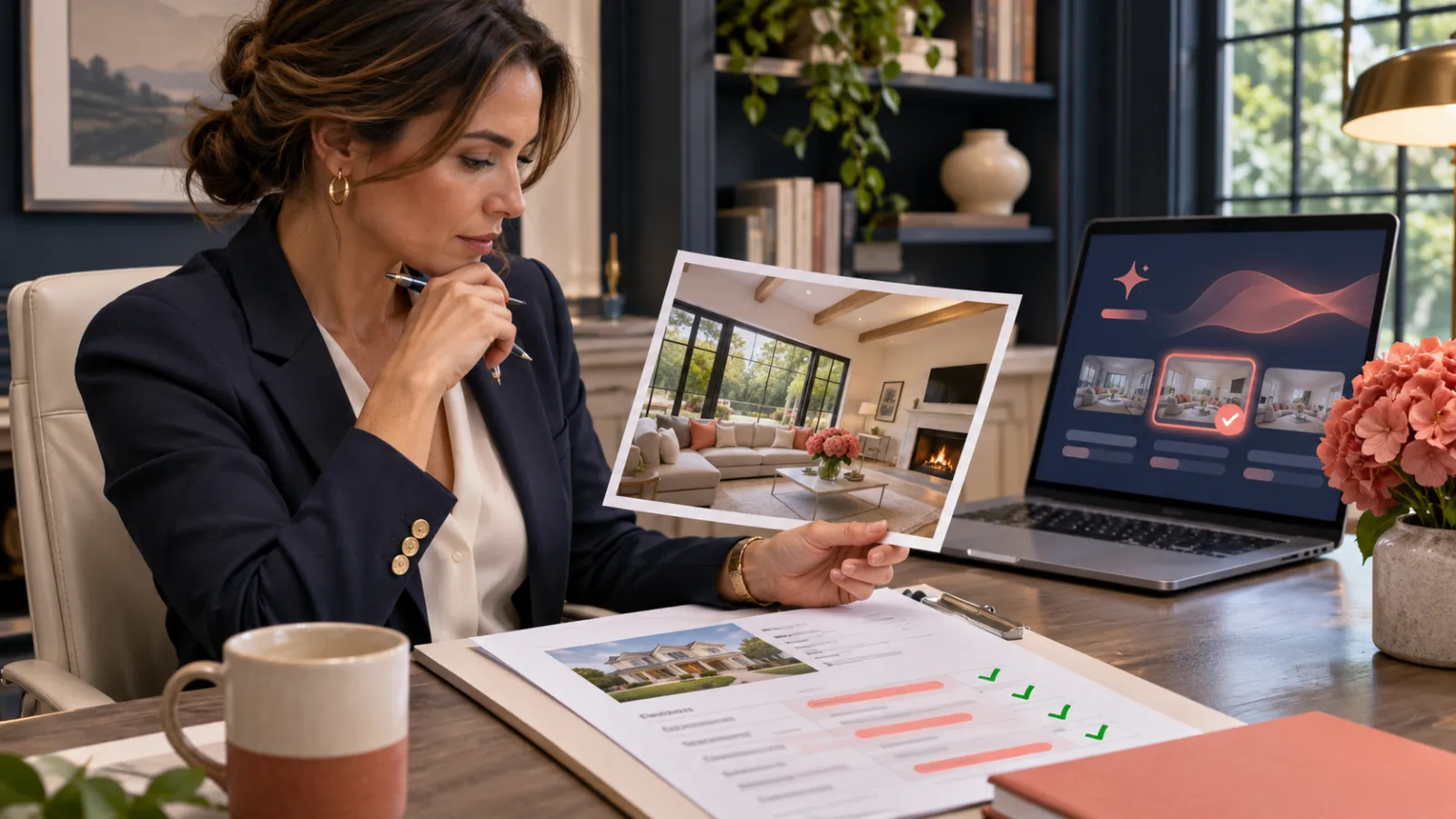
Before anything is scheduled or published, open the final versions and verify:
- The price, address, property details, and contact information match the approved brief.
- Photos and videos show the correct property and have permission for the intended use.
- The thumbnail and opening seconds identify the home clearly.
- The video crop, captions, music, and any text overlays work on a phone.
- Branded and unbranded versions go to the appropriate destinations.
- Each link opens the intended live page, and the call to action is clear.
- The agent, seller, and brokerage approvals required for this listing are recorded.
Avoid letting one attractive AI-generated sentence override a verified property fact. A final five-minute review can prevent a much more public correction.
6. Publish, Share, and Reuse With Purpose
Start with the approved listing destination. Then share the assets where their formats make sense: a property video on the listing page, a vertical cut for social, a useful email to the agent's network, and a flyer or graphic for direct outreach. Do not assume one wide video will work equally well everywhere.
Keep the campaign organized after launch. If the price, status, or open-house details change, update the affected copy and assets before reposting. A brokerage manager can use the same checklist across agents while allowing each property to have its own strongest story.
Track what people actually do: page visits, video views, inquiries, and conversations. Use that evidence to improve the next listing's asset plan rather than simply posting more often.
The One-Page Listing Marketing Checklist
- Confirm the property facts, permissions, owner, and approval deadline.
- Plan photo and video coverage for the listing, social, and direct outreach.
- Select and prepare the best images; keep the originals.
- Create a complete set of listing, video, social, and shareable assets.
- Use AI to draft or repurpose where useful; verify every claim and visual.
- Review links, formatting, branding, and approvals before launch.
- Publish, monitor responses, and update assets when listing details change.
A good launch is easier when every asset begins with the same accurate property story. If your photos are ready, explore REP2V's listing marketing tools, watch real listing video examples, or start a Listing Video.