
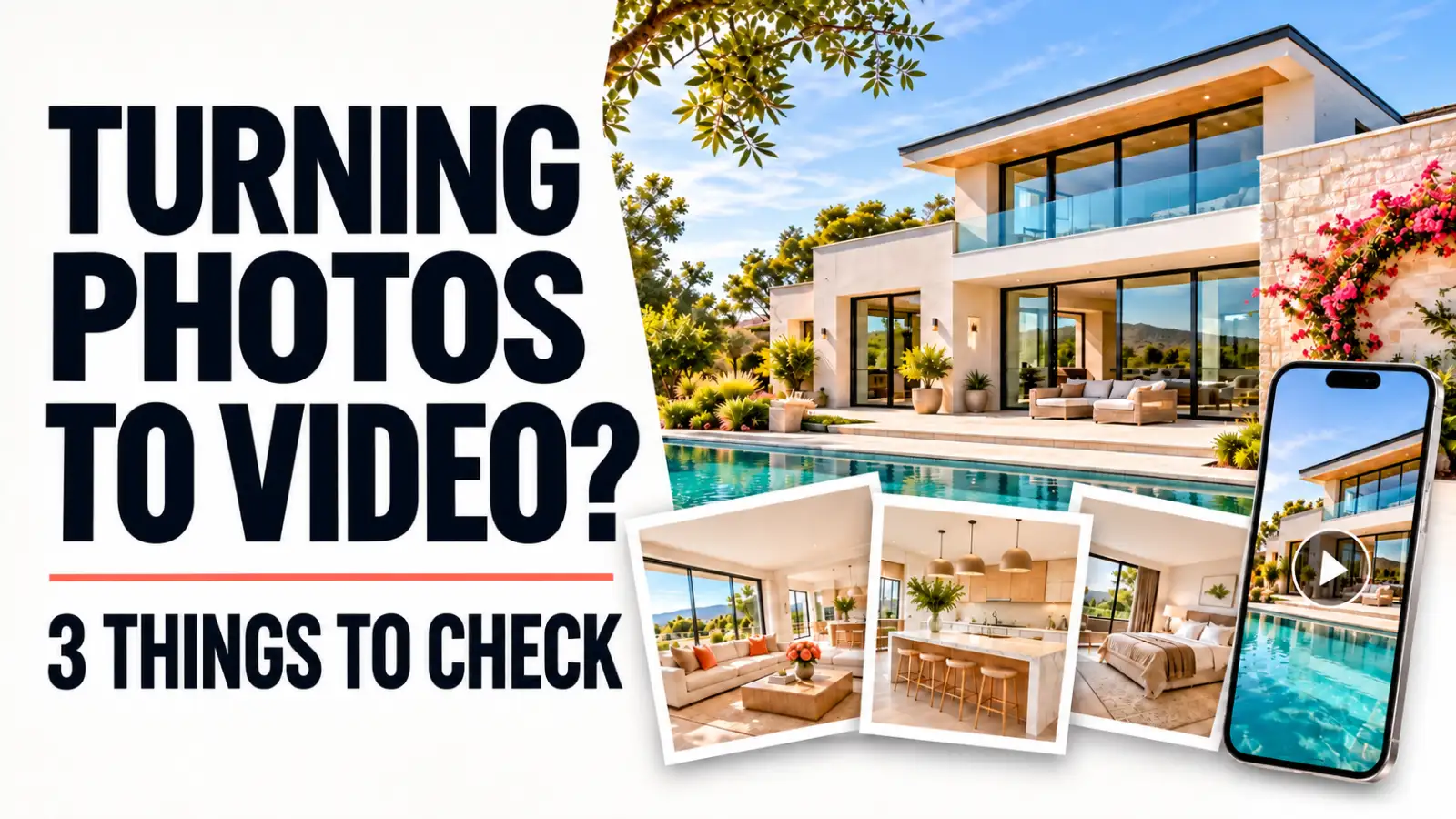
Your photographer delivered the listing photos, and the property looks great. You may already have what you need for a listing video—without arranging a separate video shoot or learning to edit one yourself.
Before you start, check three things: resolution, visual quality, and permission to use the photos for video. Once those are in place, your existing images can become another useful way to show the home.
1. Are the Photos Large Enough for an HD Video?
Start with the full-size files delivered by your photographer. For a horizontal HD listing video, look for landscape photos that are at least 1920 pixels wide; 1920 × 1080 pixels is a familiar HD frame. Larger originals give you more room to crop and add motion without making details look soft.
You can check an image's dimensions in your computer's file information or preview window. Be careful with copies saved from a listing portal, text message, or social post: they may be much smaller than the originals. A full-resolution original and a compressed web copy can show the same room while offering very different detail for video.
If you have very large files and need smaller copies for other marketing uses, the Photo Optimizer can prepare JPEGs. Keep the photographer's originals as your source for the video whenever possible. Resizing a small photo upward cannot restore detail that was already lost.
2. Do the Photos Show the Home Clearly?
Resolution is only one part of quality. Look through the collection at full size and choose images that are sharp, well exposed, and accurate to the property. An excellent video needs a clear sequence of views, not every file from the shoot.
A practical starting selection includes:
- A strong exterior or another view that clearly introduces the home.
- The main living area, kitchen, and primary bedroom.
- Other rooms that help explain the layout.
- Distinctive features and outdoor spaces, if present.
- A final image that leaves a memorable impression.
Watch for duplicates, blurry shots, heavy compression, and details that may look awkward once an image moves across the screen. A photo of a kitchen faucet can add interest, but it cannot replace a useful view of the kitchen.
Choose the most flattering natural shots without changing what a buyer will actually see. If you use a virtually staged image, say so clearly in the listing and wherever that image appears in your marketing. “Virtually staged to demonstrate potential furnishings” tells viewers what the image is showing without diminishing the property's appeal. Check the disclosure format required by your MLS, too: some require a label on the image, a caption or remarks disclosure, and an unaltered view.
This clarity benefits the agent, seller, broker, and buyer. If a buyer visits expecting furnishings, features, or a condition that the home does not have, the marketing has wasted everyone's time. It can feel like a bait and switch. Good marketing makes the real home compelling; it does not need to make up a different one.
If you have not booked the shoot yet, hire a professional real estate photographer when you can. Someone experienced with property photography can handle difficult windows and lighting, capture rooms clearly, and deliver a balanced set of images that works for the listing as well as a future video. Share your video plans before the shoot so they can include the exterior, main spaces, and any features you want to highlight. You can find one in our free real estate photographer directory.
Our guide to choosing listing photos for a real estate video goes deeper into image selection. The real estate video shot list can help you plan coverage before photo day.
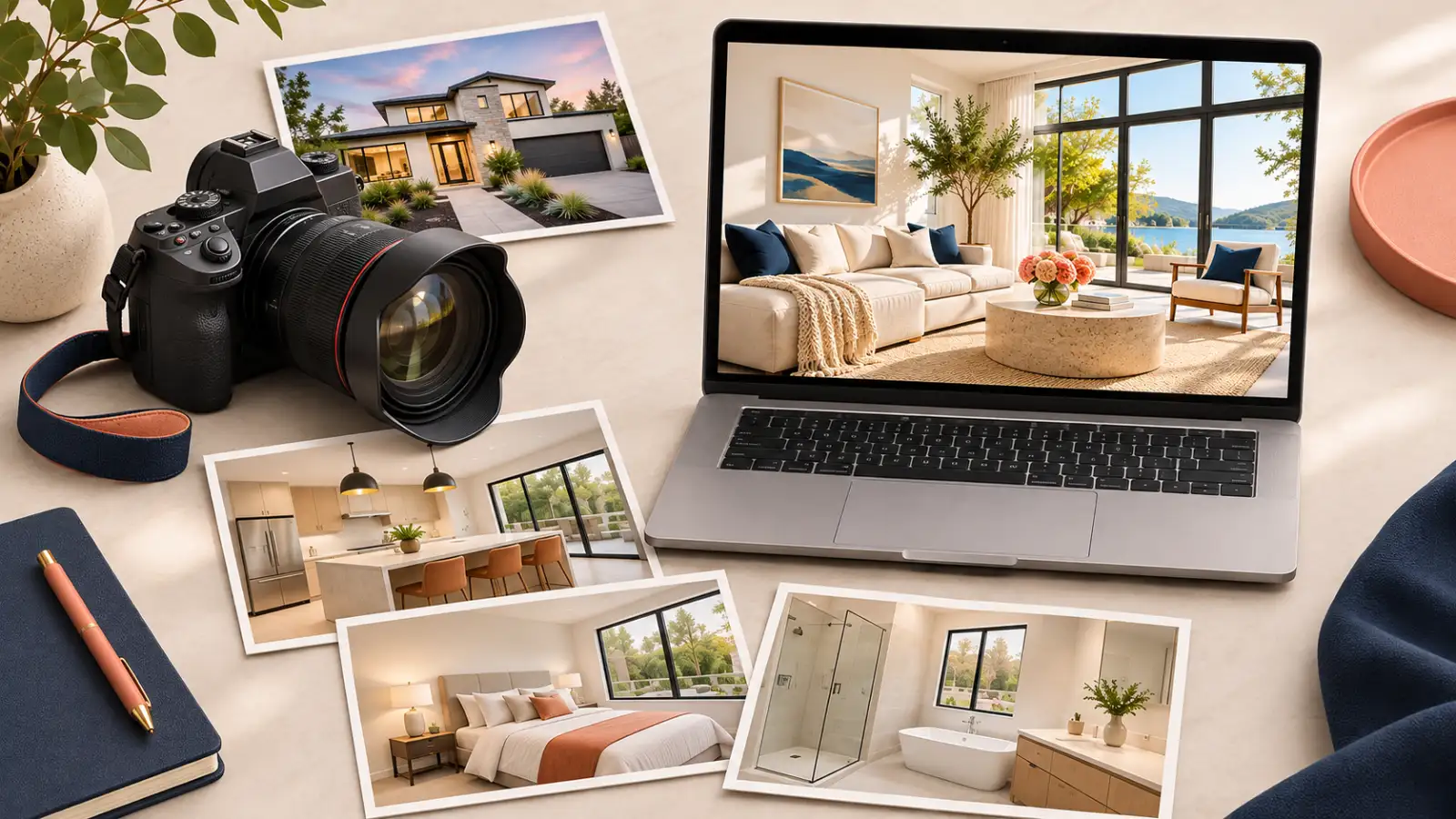
3. Do You Have Permission to Make a Video From Them?
This is usually straightforward: check the photographer's agreement, invoice, or delivery terms. Some photography licenses already allow the images to be used in listing videos and other property marketing. If yours does not say, ask the photographer to confirm the video use in writing.
Photographers generally own the copyright in the photos they take unless a different ownership arrangement applies. Receiving and paying for the files does not automatically grant every type of reuse, but the photographer can authorize the video uses you need. The U.S. Copyright Office explains photo ownership, and the National Association of REALTORS® provides listing-photo agreement examples.
Here is a simple note you can send:
Hi [Name], we love the photos from [property address]. We'd like to use the delivered images to create a listing video and short social videos for marketing this property. The video service may crop and animate the images and add text or branding. Does our existing license cover that use? If not, may we have your written permission, and are there any terms or fees we should know about?
If you also want to use the video in paid ads, after the property sells, or in another agent's marketing, mention that too. Keep the photographer's response with your property records. Clear terms make it easier for agents and photographers to offer more from the same shoot.
What if the photographer does not allow AI video use?
Photographers have different preferences about AI editing. Some prefer to keep their images out of AI video workflows; many others welcome the additional use, and some use photo-to-video tools themselves to offer more to their clients. Neither preference needs to make the conversation difficult. Explain what you want to create and respect the terms you agree on.
If your current photographer does not license their photos for this use, you can plan the next shoot with a photographer who does. Browse our free real estate photographer directory, where listings disclose whether photographers allow AI-assisted use. Review that information and agree on the scope with the photographer before the shoot.
How Does REP2V Keep the Video Faithful to the Photos?
A listing video should present the property shown in the supplied photos, not introduce features that are not there. REP2V was built by a real estate marketer and videographer with 20 years of experience, then refined through client-authorized work with well over 1,000 photos, more than 1,000 generated clips, and thousands of repeated tests since January 2026. The goal is pixel-perfect fidelity to the real home, with prompts and rendering safeguards engineered to keep generated motion true to the rooms and features in the source photos.
The workflow also offers ways to remove the most vulnerable portion of a clip if a small discrepancy appears. Across more than 1,000 clips produced, REP2V has achieved an over 99% clip accuracy rate. The combination of prompt engineering, rendering safeguards, and clip-level correction has made noticeable discrepancies rare in our production experience.
Watch the finished video before accepting it. If something does not accurately represent the home, open the revision tool to inspect that particular clip. You can remove the problematic portion or regenerate the clip for free if needed. Then review the result before publishing. The agent's knowledge of the property and REP2V's safeguards work together to keep the marketing accurate.
What Happens Once Your Photos Are Ready?
Select the images that tell the home's story, then view Listing Video examples to see how still photos can become a finished property video. REP2V lets you start a Listing Video from your photos. You can use the result as part of a broader listing campaign, with the version and branding suited to each destination.
If you are a photographer, offering video from your existing shoot can give clients another deliverable without adding a second visit to the property. Agree on the photo-use terms up front, then show agents what their images can become.
The quick check: full-size HD-friendly photos, strong coverage of the home, and permission for video use. If you have all three, your listing photos are ready to do more.
Need photos for a future listing? Browse the free real estate photographer directory. Already have them? Explore the videos or start your Listing Video.
This article provides general information for U.S. readers. Your agreement, local rules, and the rights in music or other media can affect a particular project.