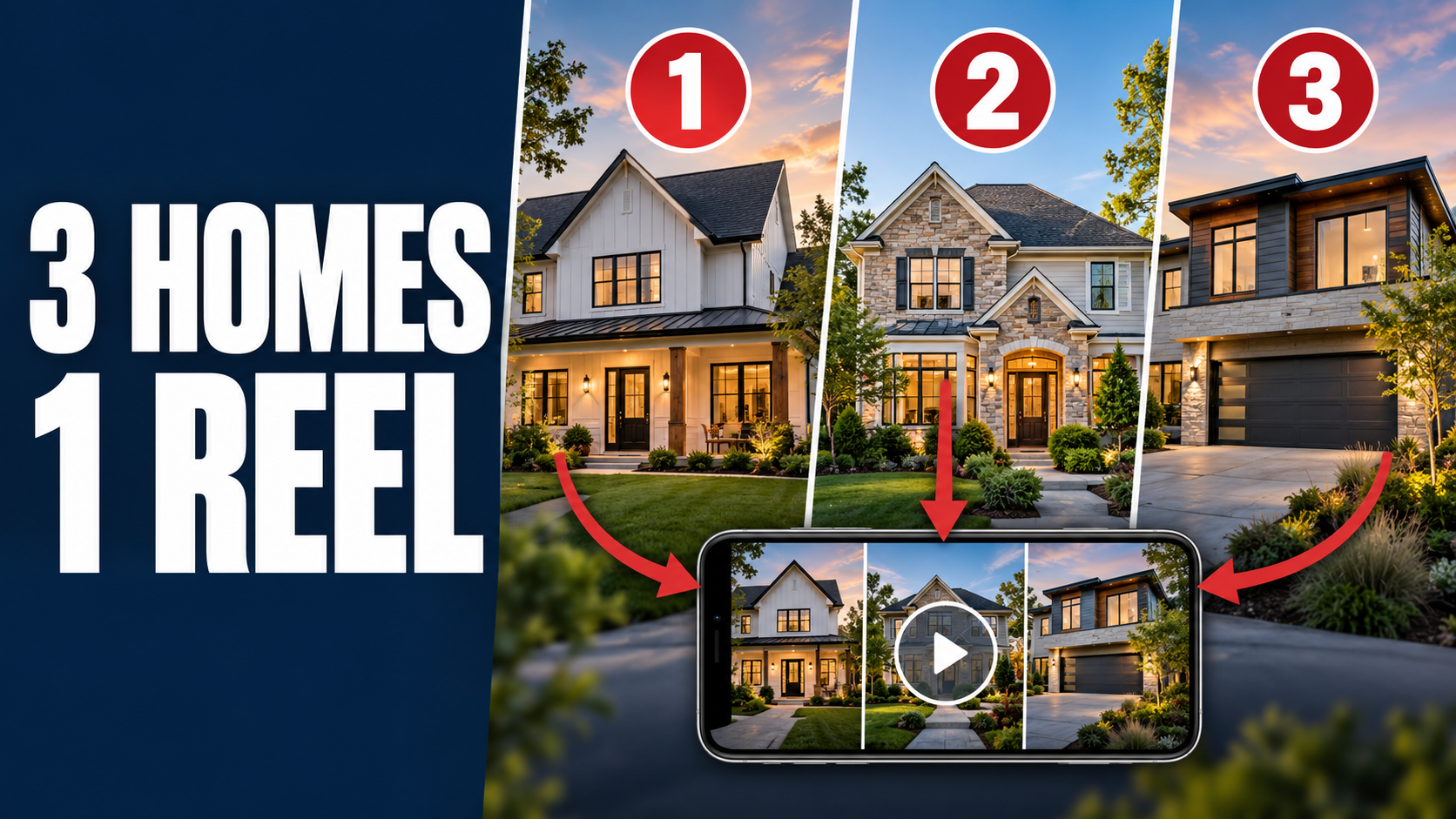
A buyer scrolling past another individual listing might have no reason to stop. Give them three homes that solve the same search, and the post becomes a quick comparison: Which one would I actually tour?
That is the idea behind a local “Top 3 Homes” video. You take three listing videos you already have, make them look like part of the same series, and cut the strongest moments into one short roundup. You can put yourself on camera at the start and end, so the audience learns whose local picks they are watching.
Here is the exact production order: three unbranded listing videos → brand each one with the same template, changing its address and price → export three separate branded files → edit approximately 10 seconds from each into one video → optionally add your own filmed intro and outro in Reel Star.
It is a way to make existing media work harder. More importantly, it gives your audience a useful way to browse homes rather than asking them to watch three separate ads.
Give the roundup a point of view
“Three homes for sale” tells viewers what is in the video. A sharper premise tells them why these three.
Try a connection a buyer can recognize immediately:
- Three Rockland County homes with room to work from home.
- Three homes under a stated budget in the same area.
- Three homes with outdoor space worth a closer look.
- Three new listings to consider before weekend tours.
“My top three homes for sale in Rockland County right now” can also work when the group is more varied. If you call them your top picks, give a genuine reason for each selection: layout, location, outdoor space, or another feature you can point to. You are curating a shortlist, not claiming an objective ranking of every home on the market.
A strong group gives the viewer a reason to compare. A weak group feels like three unrelated listings sharing a video file. Decide on the audience and premise before you start editing; that decision should guide which homes make the cut and which shots you choose.
Verify availability, price, attribution, and permission to use the photos and videos. If another agent represents a listing, get the approval needed for your marketing use. Do a final details check when you publish, because a current-homes roundup can go stale fast.
Choose the shots that answer a buyer’s first question
For each home, ask: What would make someone want to see the rest? It might be the exterior and setting, an open living area, a view, a renovated kitchen, or a yard. Choose footage that shows the property, not simply the most dramatic camera movement.
You only have about 10 seconds per home. That usually leaves room for two or three clear moments. If a beautiful shot takes four seconds to reveal what the room is, it may be better in the full listing video. The roundup needs an immediate read.
A workable selection sheet has five entries per property: its current address, verified price, one standout feature, the best footage, and the link to its full listing. Keep it beside you during the edit. It prevents the familiar mistake of cutting a striking montage that gives the buyer no idea what makes each home different.
Brand each video separately, but make the series feel unified
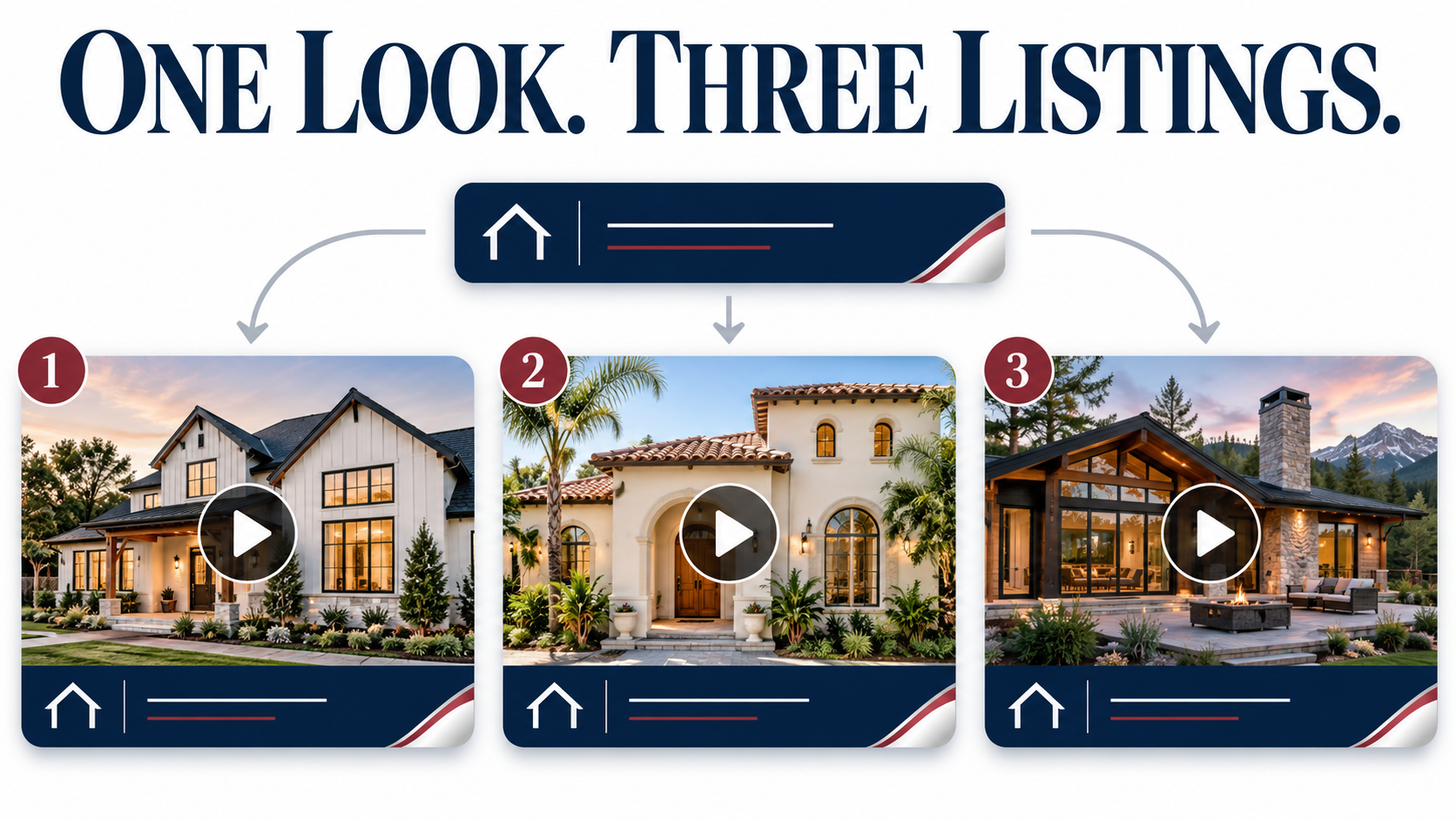
Start with three unbranded listing videos, one for each property. Open the first in the Video Branding Tool and choose a template. Apply the agent or brokerage identity and the first home's correct address and price, then export it.
Do the same for properties two and three. Reuse the same template, logo placement, type style, colors, and overall layout. Change the property-specific information for each home. You should finish this stage with three different branded video files, each accurate on its own.
Why do this before combining the videos? Consistency helps a viewer understand that the three homes belong in one series. And because each property is branded independently, its own details can remain visible when you pull a short section from that source. Review the actual 10-second section later: do not assume an address or price survives the trim or remains readable in a vertical crop.
Keep the filenames practical: home-1-branded, home-2-branded, home-3-branded. Watch each export and compare its details to your selection sheet before you move on.
If you only have photos for a property, you can first create its listing video, then use that unbranded output in the same process.
Build the 30-second property core
Import the three finished branded files into your editor. Use Video Remix or Reel Star for the combined video. Pull approximately 10 seconds of the best shots from each property and arrange them in order.
| Section | Starting duration | What it needs to accomplish | | --- | ---: | --- | | Home 1 | ~10 seconds | Establish the roundup with a compelling, easily recognized property. | | Home 2 | ~10 seconds | Show a meaningful alternative, not the same shots in a new house. | | Home 3 | ~10 seconds | Finish with a memorable feature that invites a response. |
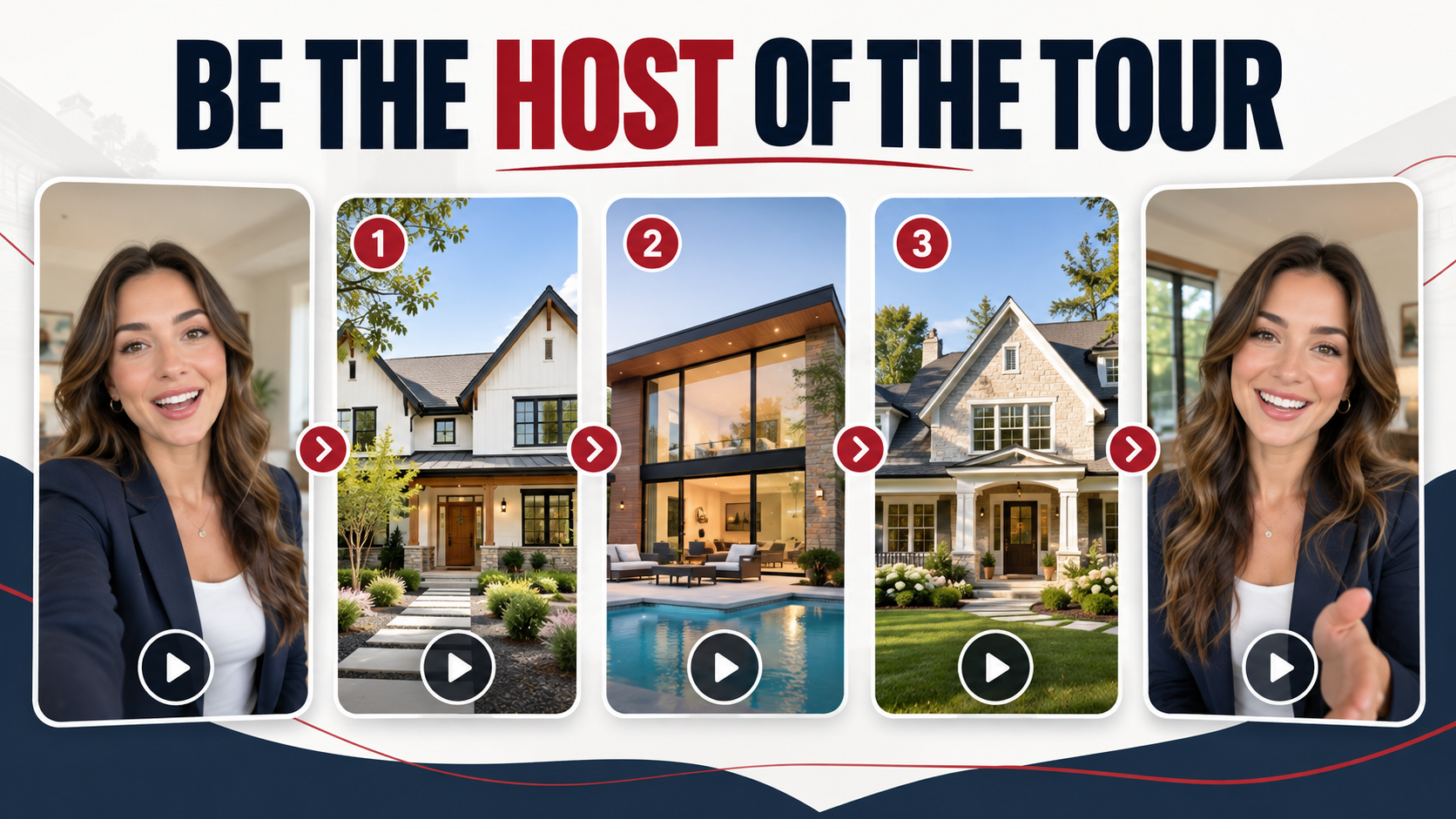
The order does not have to be “best to worst.” A useful sequence can start with the broadest appeal, introduce contrast in the middle, and end with the home most likely to start a conversation. If all three exteriors look similar, lead each section with a different signature feature so the viewer can tell them apart.
Let key shots breathe. A room should register before the next cut. Give the property's address or price enough screen time to be read, or supply those details in the accompanying post when the frame is too tight. Use a clear transition or a visible property label at each handoff. Around 10 seconds per home is a planning guide; the final pacing should serve the footage.
Let the agent host the tour
In Reel Star, the agent can record a short on-camera introduction and outro around the three property sections. The introduction gives viewers a local guide and sets up the premise. The outro turns interest into a next step.
Intro example:
“Here are my top three homes for sale in Rockland County right now. I'll show you what stands out about each one.”
Outro example:
“Which one would you tour? Tell me one, two, or three and I'll send you the full details.”
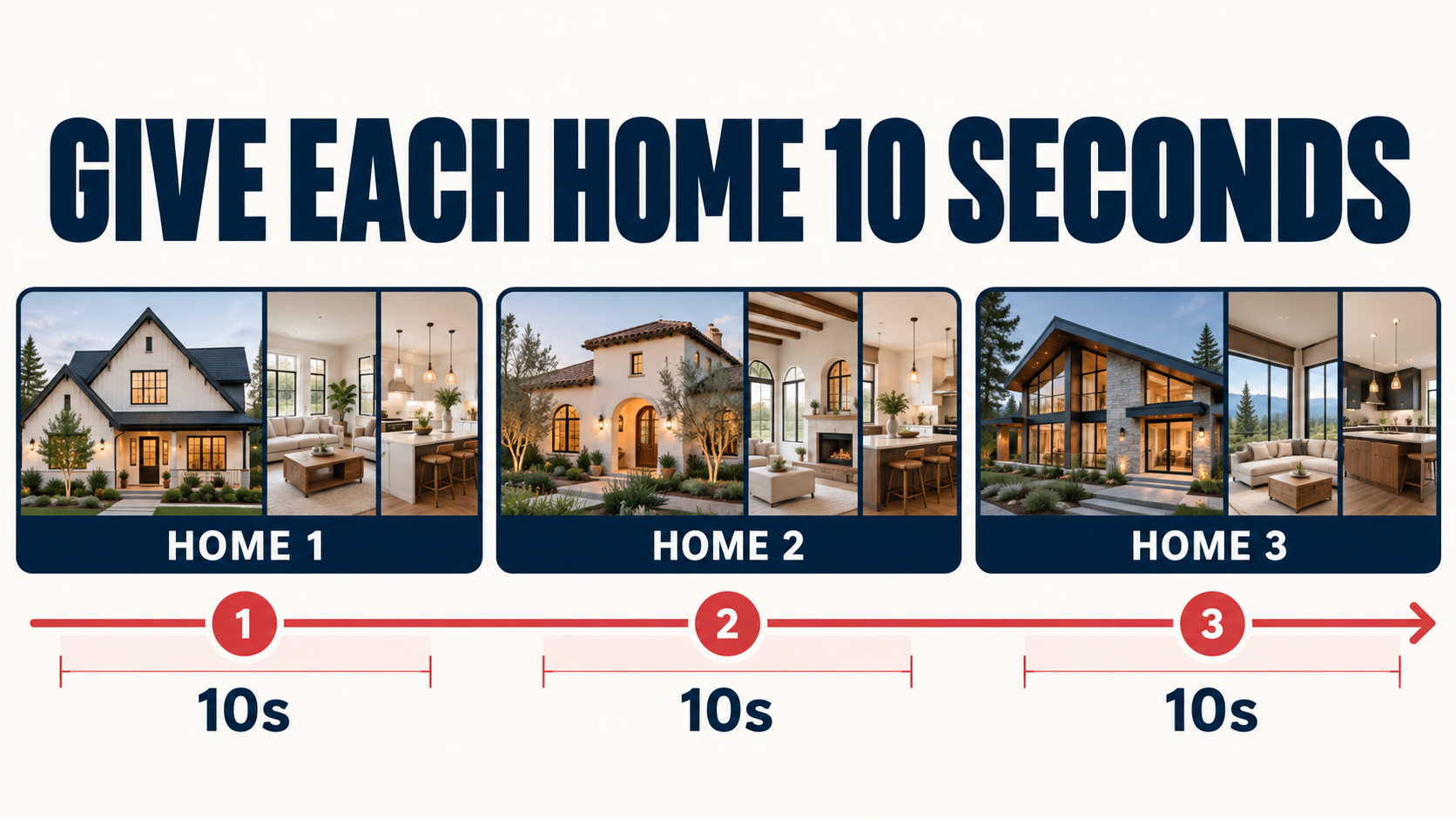
Film in a quiet, well-lit place, look into the lens, and keep the opening short enough that viewers reach the first property quickly. Record the same location, framing, and audio for the close if possible. You can also skip the on-camera sections and use a brief title and a clear closing frame. The three branded videos remain the heart of the edit.
For an example reel, the structure might be 3-second agent intro → 10 seconds per home → 4-second agent outro, or roughly 37 seconds. The exact runtime should follow what your footage needs.
Give the finished video a job on every channel
A good roundup can do more than fill one Reel slot. Publish a vertical version where people discover short video. Then use the same premise in places where buyers are already considering their options:
- On your website: Put the roundup in a local-market article or a “homes to see this week” section. Include individual links or clear paths to the three full listings. A buyer should not have to guess how to find Home 2 after watching the video.
- In an email: Send it with a one-sentence reason these homes belong together and links to each property's details.
- In Stories: Ask viewers which home they would tour, then point interested people toward the complete listings.
- In follow-up: Share a relevant roundup with a buyer who has told you their location, budget, or preferred features. Personalize the note; do not send a generic list that misses their criteria.
- In a listing presentation: Show how one property video can also become part of recurring local content, alongside its individual listing campaign.
The website matters here. Social feeds move quickly; your site can hold the full explanation, current details, and next action. A roundup post should provide more than an embed: name the selection theme, summarize each home's distinctive feature, and link to the individual listing pages. When a property sells or its price changes, update the page and caption or clearly date the original roundup.
Check the edit as a buyer would
Play it once with sound and once muted. On a phone, check the address and price in the actual final frame, including platform interface areas. Look for repeated shots, abrupt property changes, mismatched listing details, and an intro that takes too long to reach the homes.
Before publication, confirm:
- Each home still fits the title's location, price range, and availability claim.
- Each branded section shows the correct property details.
- The agent's words and the post caption match the current listings.
- The viewer can find or request details for all three homes.
- You have the rights and approvals needed for every featured property and its media.
Then keep the format. “Three homes with outdoor space” can become “three homes with a home office” next week. The repeatable value lies in your selection and explanation, supported by good property footage. The tools make the production manageable; the reason people watch is that you helped them see their options more clearly.
One Listing. Endless Content.
Turn listing photos into cinematic videos, branded social clips, flyers, property pages, reports, and more.
Create My Listing Video